AI Sleigh Ride Video
Upload a photo and the AI puts you in a red wooden sleigh pulled by reindeer, flying over a snowy town under the moon. Then it brings the ride to life: you wave, the reindeer gallop and the town lights twinkle below.

Create your video
1Your photo
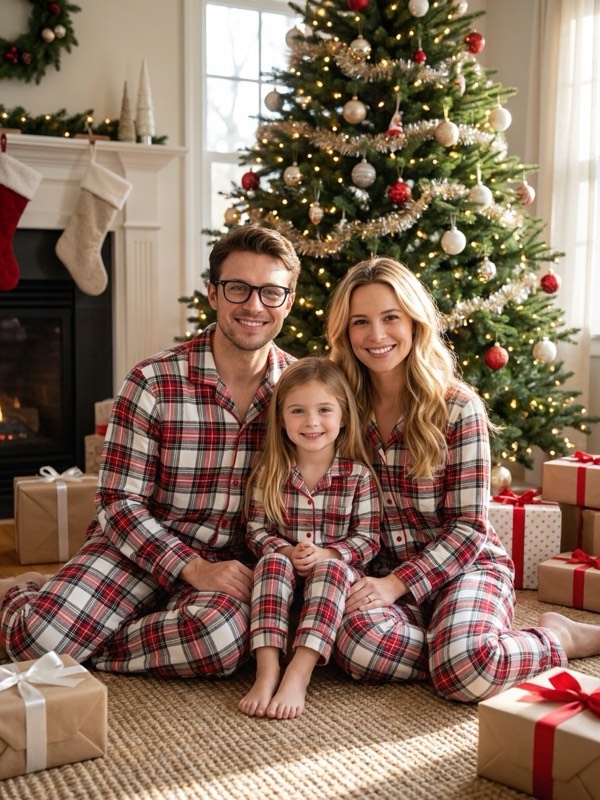
Best results: a sharp photo with even light and faces toward the camera. For family effects, use one photo with everyone in it. Avoid sunglasses, masks and heavy filters.
2Length
Model: Nano Banana Pro (Google Gemini) + Kling 2.6 Pro (Kuaishou)
Examples

How it works
- 1
Upload a photo
A clear photo of one adult where your face is easy to see. Any everyday photo works.
- 2
We set up the sleigh, then animate it
The AI seats you at the front of the sleigh in a warm red coat, then animates the flight over the town. It takes a few minutes.
- 3
Share it
Download the vertical MP4 with sleigh bells and music, and post it as a Reel, a TikTok or a Story.
Your own Christmas Eve flight
A sleigh ride across the night sky is the best-known picture of Christmas Eve. This effect puts you in the sleigh with a single photo.
It is a fun video to send to family on Christmas Eve or to post the night before.
Getting the best result
Use a clear, front-facing photo of one adult. You appear from the waist up at the front of the sleigh, so your face stays easy to see.
Choose 10 seconds for a longer flight with more of the town below.
Last updated:
FAQ
How is the video made?
In two steps: an image model seats you in a flying reindeer sleigh and keeps your face, then a video model animates the ride. Both steps are included in the price.
How long is the video?
You choose 5 or 10 seconds before you start. The 10-second video costs twice the credits.
Does the video have sound?
Yes: jingling sleigh bells and cheerful instrumental Christmas music. You can mute it or swap in another sound when you post.
Can I use a photo of my kids?
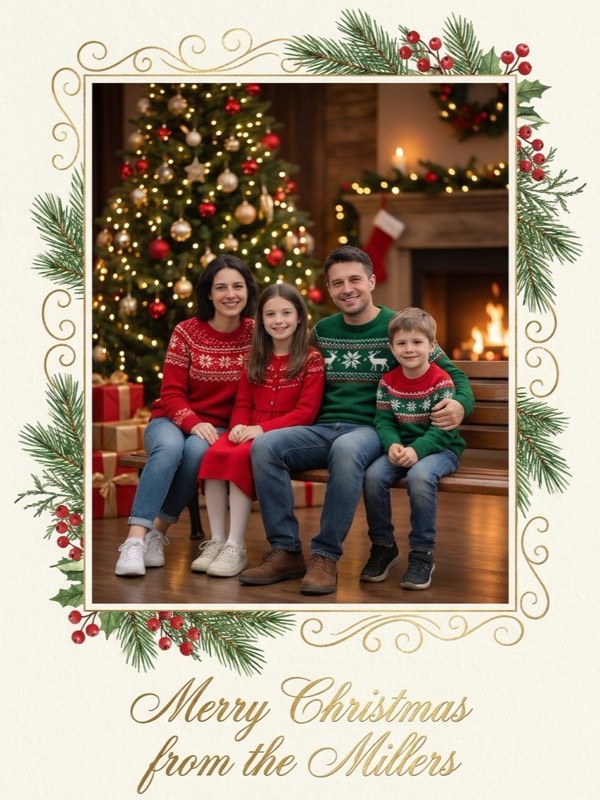
No. Video effects are for adults only. Children can appear only in family photo and card effects.