Haircut Try On
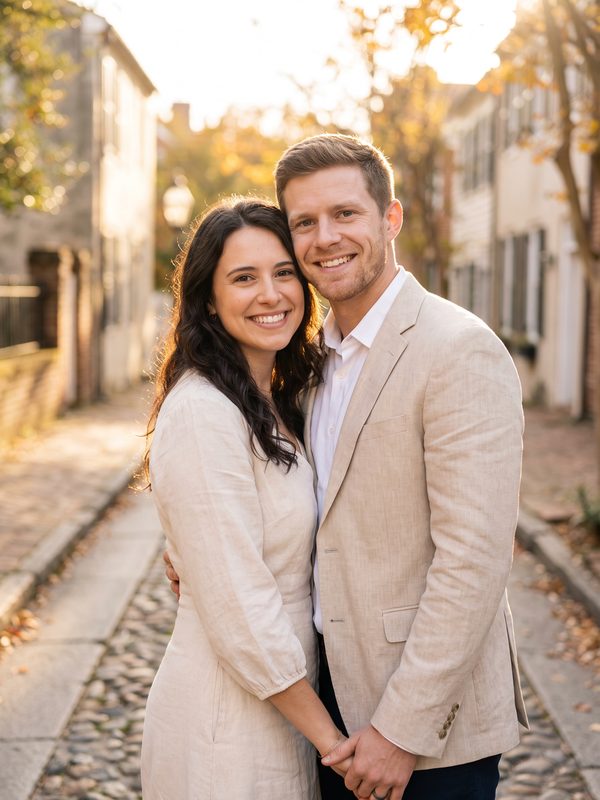
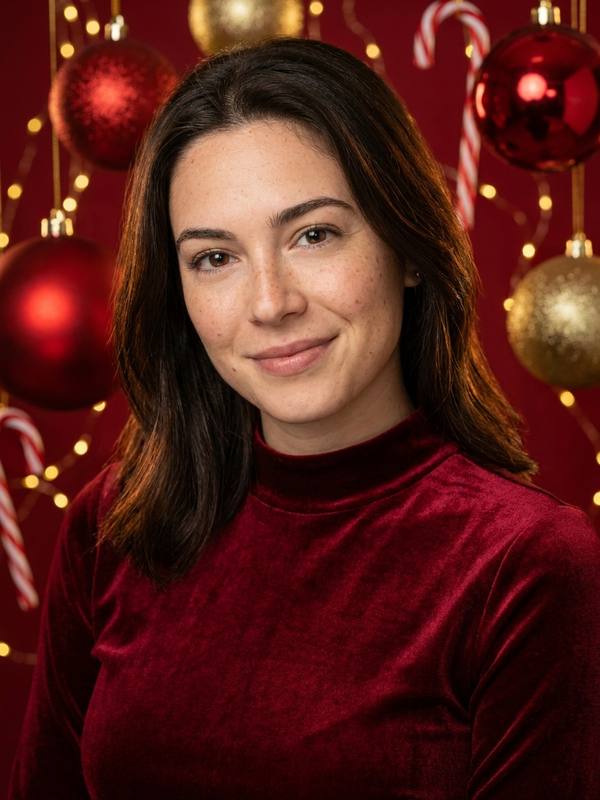
Fictional people, made with this effect
See a new haircut on your own face before anyone picks up the scissors. Upload one clear photo, choose a hairstyle and get a realistic picture in about a minute. Your face, clothes and background stay the same; only the hair changes.
- From $4.99
- Ready in minutes
- Credits back if it fails
- Photos deleted after 7 days
Create your photo
1Your photo
Best results: a sharp photo with even light and faces toward the camera. For couple and family effects, use one photo with everyone in it. Avoid sunglasses, masks and heavy filters.
2Style
Images from free credits are standard resolution. Any credit pack unlocks HD.
Model: Nano Banana Pro (Google Gemini)
Examples
How it works
- 1
Upload a clear photo
One adult, facing the camera, with the face sharp and the hair easy to see. Avoid hats and heavy shadows.
- 2
Pick a hairstyle
Choose from 8 cuts, from a short bob or pixie to a buzz cut or long waves.
- 3
Compare and try another
Check the result, press Make another and try the next hairstyle on the same photo. Show your favorite to your stylist.
How the haircut try on works
This is not a sticker placed on your head. The AI redraws your hair to match your face shape, head angle and the light in your photo, so a short cut shows your neck and a long cut falls over your shoulders.
The AI is told to keep your face, skin tone, age, expression, clothes and background the same. In our tests those stayed almost identical, and the hair was the only obvious change.
How we tested it
We ran every hairstyle on this page on two fictional people, one with shoulder-length hair and one with short curls. Going much shorter or much longer worked best. Our first bob barely changed a woman who already had similar hair, so we rewrote it to end clearly at the jawline.
We then tried three harder photos: a side-on shot, a dark restaurant photo and a woman with curly hair in a knitted hat. All three worked and the faces held up. The AI removed the hat by itself, and it also turned her curls straight, so tell it apart from your real texture when you judge a result. A clear photo facing the camera is still the safest choice.
Tips for a more accurate result
Use a recent photo in even light, with your hair pulled away from your face if you can. Pick a hairstyle that is clearly different from your current one, because small changes are harder to see.
Treat the picture as a preview, not a promise. Real hair depends on its thickness, texture and how your stylist cuts it.
Last updated:
FAQ
Is the haircut try on free?
New accounts get 2 free credits, which covers one try. After that, each hairstyle costs 2 credits, and credit packs start at $4.99. There is no subscription.
Can I try several hairstyles on one photo?
Yes. After a result appears, press Make another, choose a different hairstyle and generate again. Your photo stays in place, and each try costs 2 credits.
Will my face change?
The AI is told to change only the hair. In our tests faces stayed almost identical, but check the result, as AI can make small changes.
Can I change my hair color?
Not on this page. It changes the cut and style, and the color mostly stays close to your own.
Can I try it on a photo of my child?
No. This effect is for adults only, and everyone in the photo must agree to it.
How long does it take?
Usually under a minute. You can leave the page; the picture appears in My creations when it is ready.
Related guides
What Haircut Suits Me? A Face Shape Guide
Not sure what haircut suits you? Find your face shape in two minutes, see which cuts usually work and try them on your own photo before you book.
Haircuts for Oval Face: 10 Flattering Styles
10 haircuts for an oval face, for women and men: bobs, pixies, curtain bangs, layers, fades and crops, with tips on what to ask your stylist for.
Haircuts for Round Face: 8 Flattering Styles
8 haircuts for a round face, for women and men: long layers, side parts, pixies, textured crops and fades that add height and shape.